
Introduction
If you already have a website — whether it’s built on WordPress, Webflow, a static HTML template, or even a custom CMS — adding a modern, secure checkout flow can be tricky.
Maybe you’ve outgrown your current e-commerce system, or you just want a faster, better-designed checkout to improve conversions.
The good news? You don’t need to rebuild your store from scratch or switch platforms.
Several platform-independent checkout tools let you embed or overlay a checkout flow directly onto your existing site, with minimal technical setup.
These solutions work with almost any website and allow you to sell products, subscriptions, or digital goods instantly.
In this article, we’ll cover:
-
What to look for in a plug-and-play checkout system
-
A breakdown of the best tools for embedding or replacing your checkout
-
Key differences between them so you can pick the right fit

What Makes a Checkout Tool Ideal for Existing Websites?
If you’re replacing or adding a checkout to an existing site, you’ll want to make sure the tool you choose offers:
-
Easy integration – Drop in a small code snippet or embed code without rebuilding your site.
-
Design flexibility – Ability to customise styles so the checkout matches your brand.
-
Multiple payment options – Cards, PayPal, Apple Pay, Google Pay, and more.
-
Platform independence – Works with any CMS or framework.
-
Security & compliance – PCI-DSS compliance and SSL support.
-
Extra selling features – Discounts, upsells, subscriptions, and custom fields.
Platform-Independent Checkout Tools Worth Considering
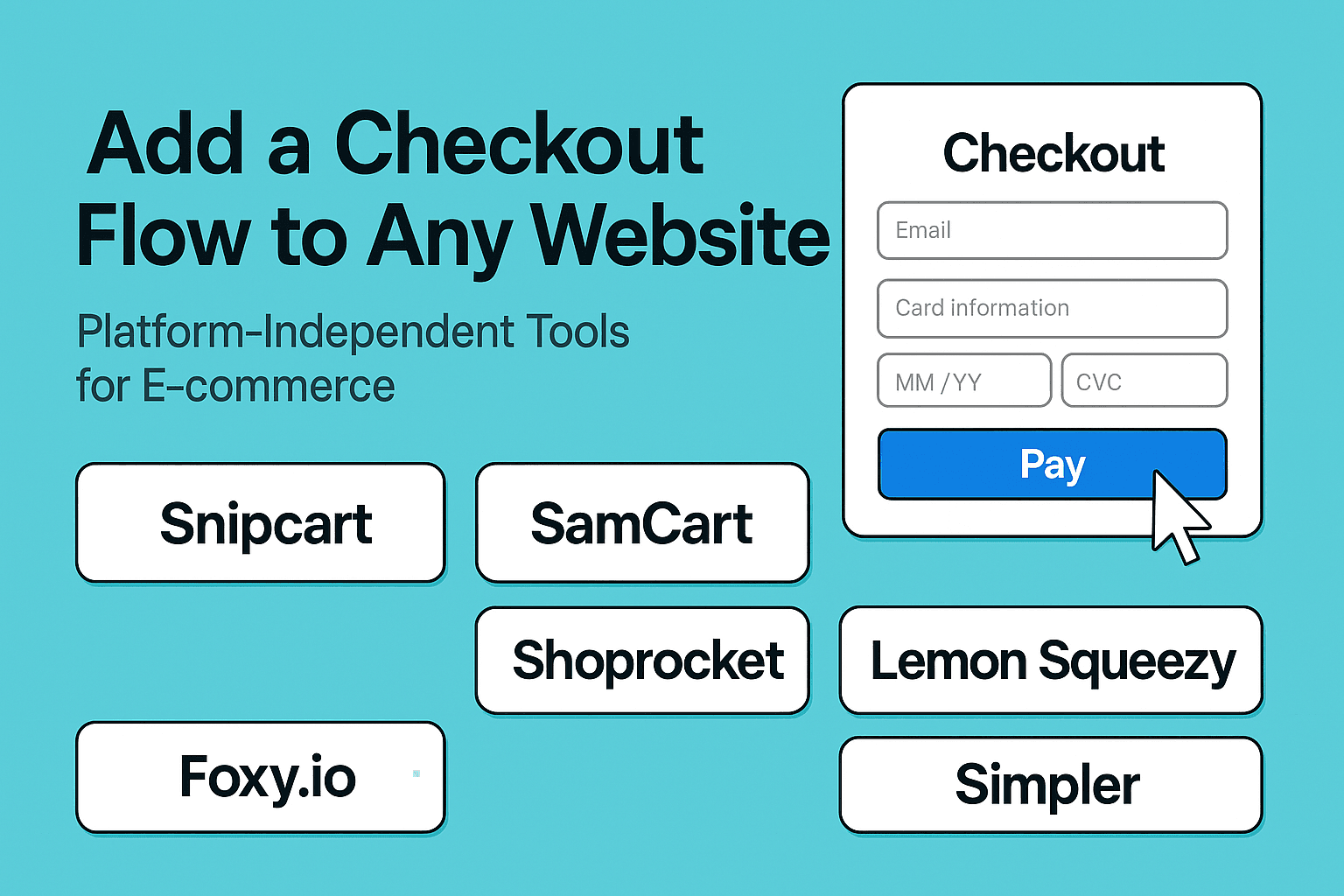
Below, we review five of the best tools for embedding checkout on any website.
1. Snipcart
Best for: Developers and custom builds
How it works:
Snipcart turns any HTML page into a fully functional store with just a few lines of code. You add HTML attributes to your product elements, and Snipcart handles the cart, checkout, inventory, taxes, and payment processing.
Highlights:
-
Works with static sites, CMSs, or custom frameworks.
-
Fully customisable styling via CSS.
-
Supports physical, digital, and subscription products.
-
Integrates with Stripe, PayPal, and other gateways.
-
API available for advanced features.
Why choose it:
Perfect if you want full design control and have access to a developer (or don’t mind some light coding).
2. SamCart – Checkout Anywhere
Best for: High-conversion marketing pages
How it works:
SamCart’s “Checkout Anywhere” feature lets you embed checkout forms directly into your landing pages or sales pages. You copy a small embed code from your SamCart dashboard and paste it where you want the checkout to appear.
Highlights:
-
Highly optimised for conversions.
-
Supports upsells, order bumps, and payment plans.
-
Works on any page or site builder.
-
Analytics and A/B testing built in.
Why choose it:
If you run a marketing-heavy site and want a checkout focused on maximising average order value, SamCart is an excellent choice.
3. Shoprocket
Best for: Non-technical users who want quick setup
How it works:
Shoprocket lets you sell products from any website by embedding products, carts, and checkout with a simple snippet. You can manage your products, inventory, and settings from their dashboard without touching your site’s backend.
Highlights:
-
No-code setup in minutes.
-
Customisable product displays and checkout.
-
Supports physical, digital, and subscription products.
-
Built-in analytics, tax, and shipping calculations.
Why choose it:
Ideal if you don’t want to code but still need a fully functional e-commerce setup.
4. Foxy.io
Best for: Complex setups and advanced integrations
How it works:
Foxy provides a hosted cart and checkout that can be integrated into any website or CMS. You can design your store pages however you like and use Foxy for secure checkout and payment processing.
Highlights:
-
Works with 100+ payment gateways worldwide.
-
Highly customisable checkout templates.
-
Supports advanced product rules, subscriptions, and digital goods.
-
Can integrate with membership sites, event bookings, and more.
Why choose it:
If you have unique requirements (like multi-currency, complex tax rules, or unusual payment gateways), Foxy’s flexibility is hard to beat.
5. Lemon Squeezy – Checkout Overlays
Best for: Simple, modern overlays with minimal setup
How it works:
Lemon Squeezy lets you add a checkout overlay to your site with a single script. When a customer clicks “buy”, a modal window appears with the checkout flow, without navigating away from your page.
Highlights:
-
Extremely easy to set up.
-
Clean, mobile-friendly interface.
-
Great for selling digital products and subscriptions.
-
API access for advanced automation.
Why choose it:
Perfect for creators or small businesses that want a beautiful checkout without complex integration.
6. Simpler – Checkout as a Service
Best for: One-click checkout with a focus on speed
How it works:
Simpler provides a hosted checkout service that can be plugged into any e-commerce store or CMS to replace or upgrade your existing checkout. It’s designed to reduce friction with one-click purchasing for returning customers and minimal form filling for new ones.
Highlights:
-
Works with most platforms, including custom sites.
-
One-click checkout for returning customers.
-
Mobile-first design for faster purchases.
-
Supports major payment methods and BNPL (Buy Now, Pay Later) options.
-
Focused on increasing conversion rates by reducing steps in the flow.
Why choose it:
If speed and convenience are your top priorities, Simpler’s checkout-as-a-service can replace clunky multi-step checkouts with a streamlined, high-converting process.
Quick Comparison Table
| Tool | Integration Type | Checkout Style | Best For |
|---|---|---|---|
| Snipcart | HTML + JS snippet | Inline / overlay | Developers needing flexibility |
| SamCart | Embed code | Inline / slide-in panel | Conversion-focused marketing |
| Shoprocket | Dashboard + embed code | Inline with full cart | No-code setup for any site |
| Foxy.io | Template integration | Hosted checkout | Complex / custom payment needs |
| Lemon Squeezy | Script + button link | Modal overlay | Simple, modern checkout for digital goods |
| Simpler | API / embed | Hosted one-click checkout | Fast, mobile-first checkout upgrade |
How to Choose the Right One
Ask yourself:
-
Do I want to code? → Choose Snipcart or Foxy for full control.
-
Do I need the fastest setup? → Shoprocket or Lemon Squeezy.
-
Am I focused on conversions? → SamCart.
-
Do I have complex payment or tax needs? → Foxy.io.
Final Thoughts
Replacing or adding a checkout to your site no longer means rebuilding your entire store.
With tools like Snipcart, SamCart, Shoprocket, Foxy.io, and Lemon Squeezy, you can start selling directly from your existing website in minutes—and choose the style and functionality that best suits your customers.
The right checkout can reduce friction, improve conversions, and give you the freedom to keep the platform you love while upgrading the buying experience.